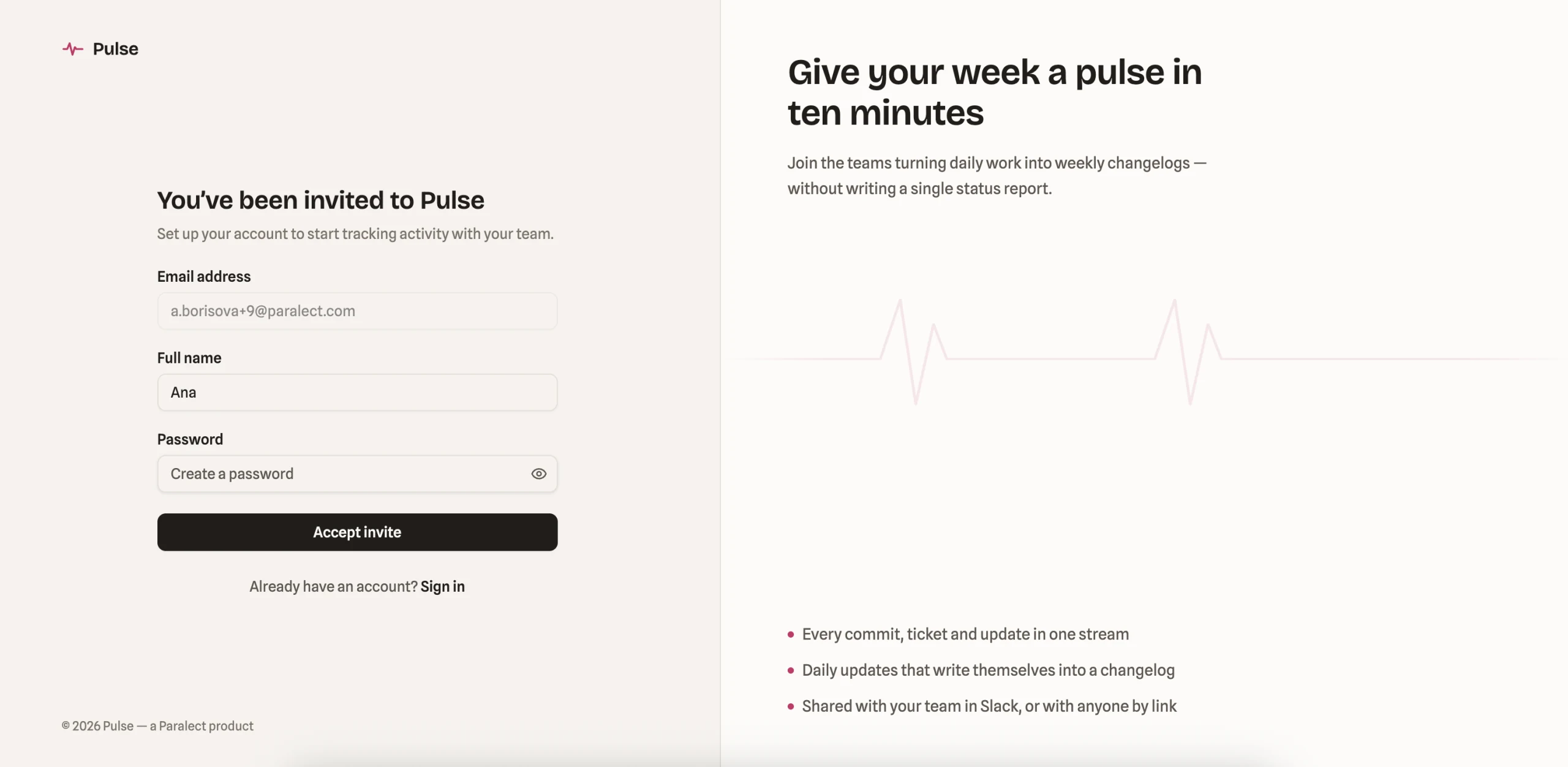
Accept invitation
How to join a Pulse workspace you were invited to.
Pulse is invite-only, which means you can't sign up directly — access is granted by a project manager who sends you an invitation link. This keeps projects secure and ensures everyone on the team has been deliberately added.
To join Pulse, click the invitation link you received. You'll be redirected to the Accept Invitation page, where you'll need to:
-
Update your full name, if needed.
-
Create a password that meets the following requirements:
- At least 8 characters long
- Contains at least one letter
- Contains at least one number
-
Click Accept Invite.
-
You'll be redirected to the project you were invited to.