
Sending daily/weekly update
Daily update
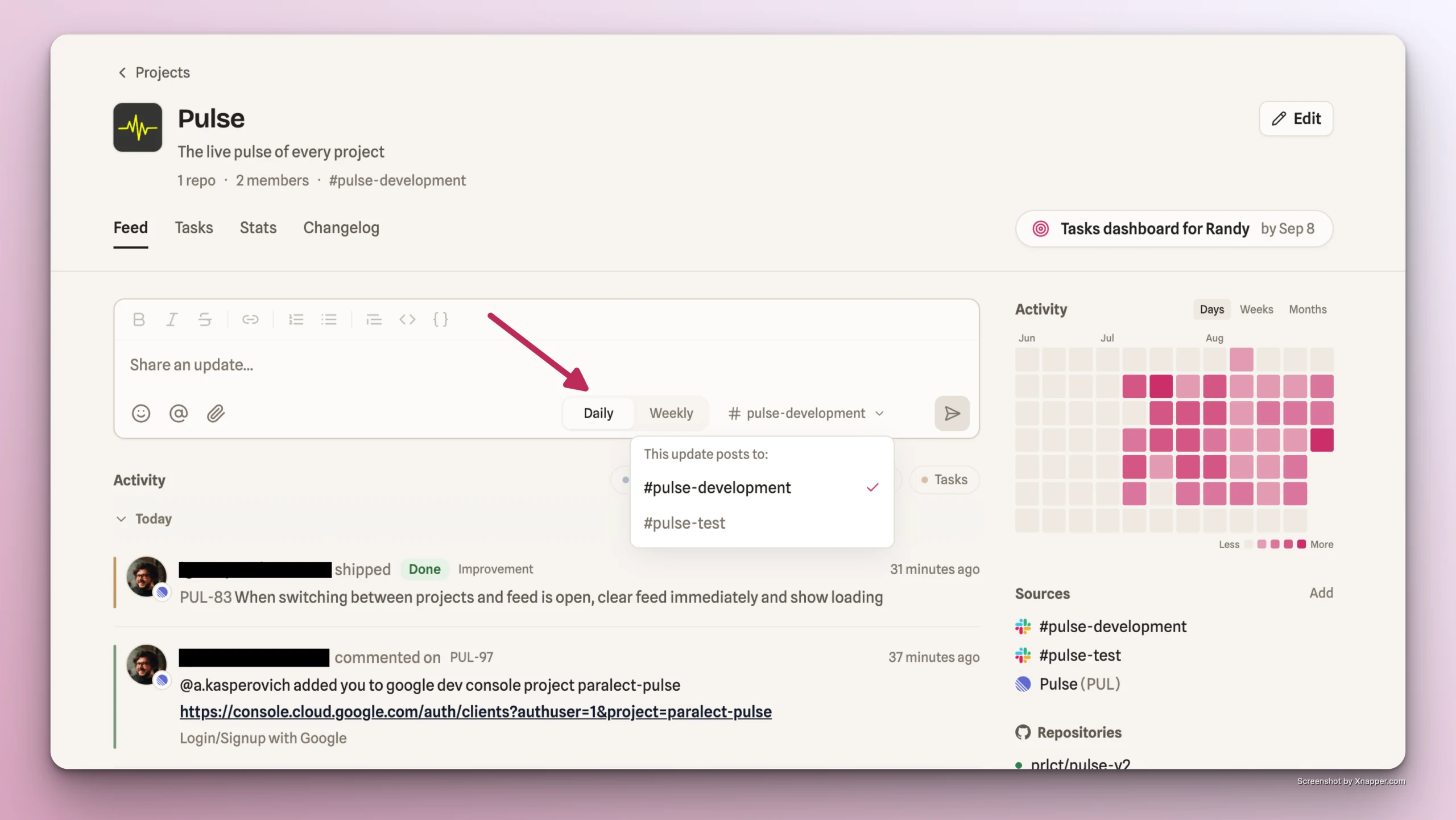
At the top of the Feed is an empty text editor where users with Manager or Member roles can post a project update.
The editor supports basic text formatting, nesting, tagging users in the Slack channel the update is sent to, and attaching images or videos.
By default updates are sent to the first Slack channel connected to the project. You can choose a different channel directly in the input field settings, without changing your connected Slack account settings.
Weekly update
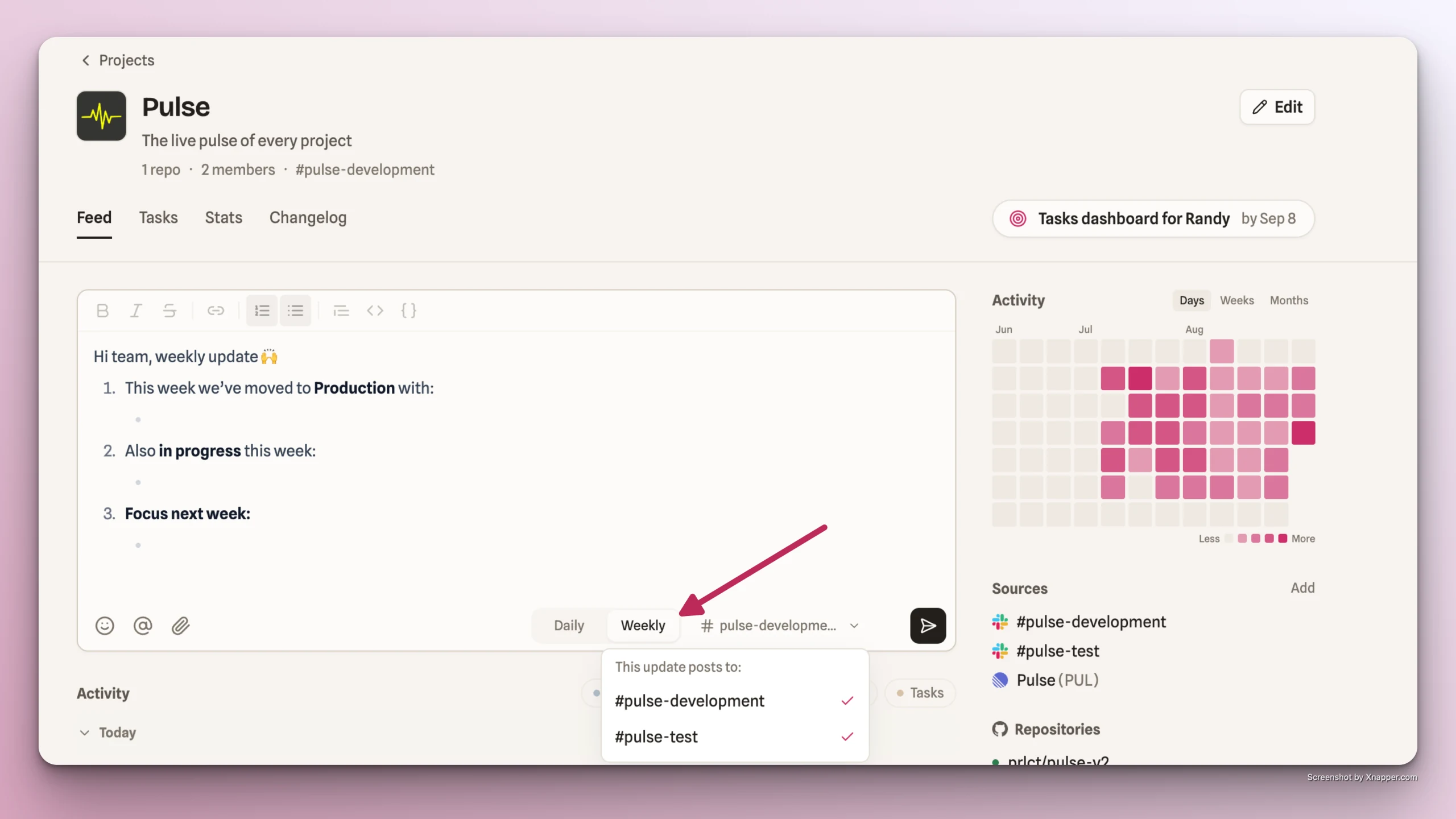
You can select "Weekly" setting to send a weekly project update and a predefined update structure will be prefilled in the input to simplify your work.
You can also select which channel to send your update to directly in the input field settings, without changing your connected Slack account settings.
Updates management
- On hover over the update in the Feed, a user with the Manager role can edit, delete, copy, or react to any project member's update.
- A user with the Member role can only view updates.