Setting up Slack channel for sending changelogs
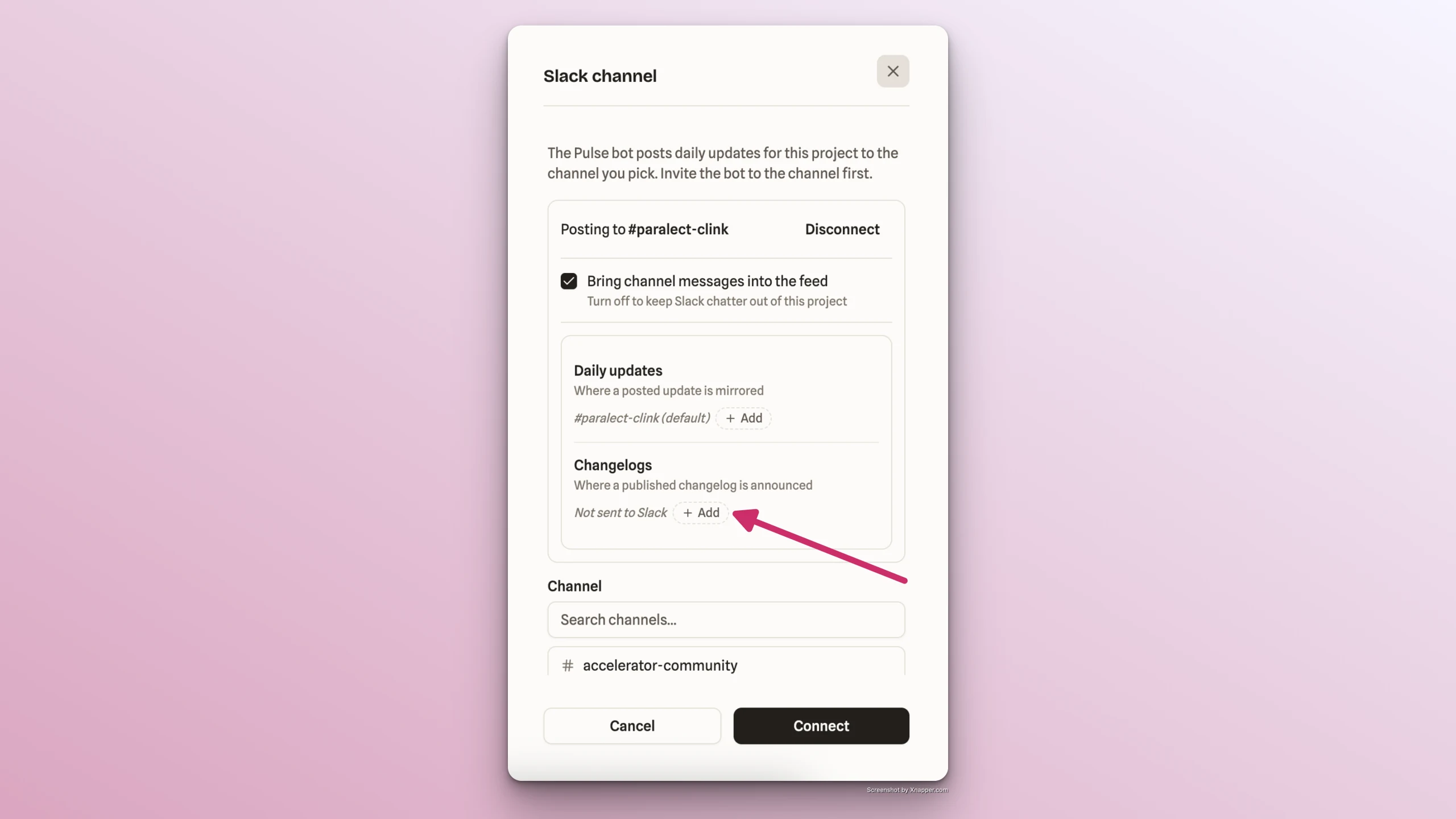
By default, changelogs are published only within Pulse and appear in the Changelog and Feed tabs. They can also be sent to a Slack channel if that's configured in the Slack channel settings as follows:
- Go to Project → Feed tab → Sources section
- Click Add → Slack channel
- Find the Changelogs section and click Add
- Select the Slack channel you want changelogs to be automatically sent to
ℹ️
If the necessary Slack channel is not found in the list, Pulse bot needs to be added to it first. Find the instructions here.
- Click Connect to save the change