Connecting to Linear
To connect your project's Linear to Pulse and get access to task progress, sprint progress, release details, and more, follow the instructions below.
Step 1. Get Linear API key
-
Go to the Linear Settings → Security & access
-
Go to Personal API keys
-
If API key for your project already exists, click on it and if it's still visible copy it to clipboard
-
If API key for your project _doesn't exis_t, or not visible and not available for copying:
- click New API Key
- enter the new API key name
- select permissions (Full access or specific permissions)
- select your project's board
- copy created API key to clipboard
-
Step 2: Add Linear API key to Pulse
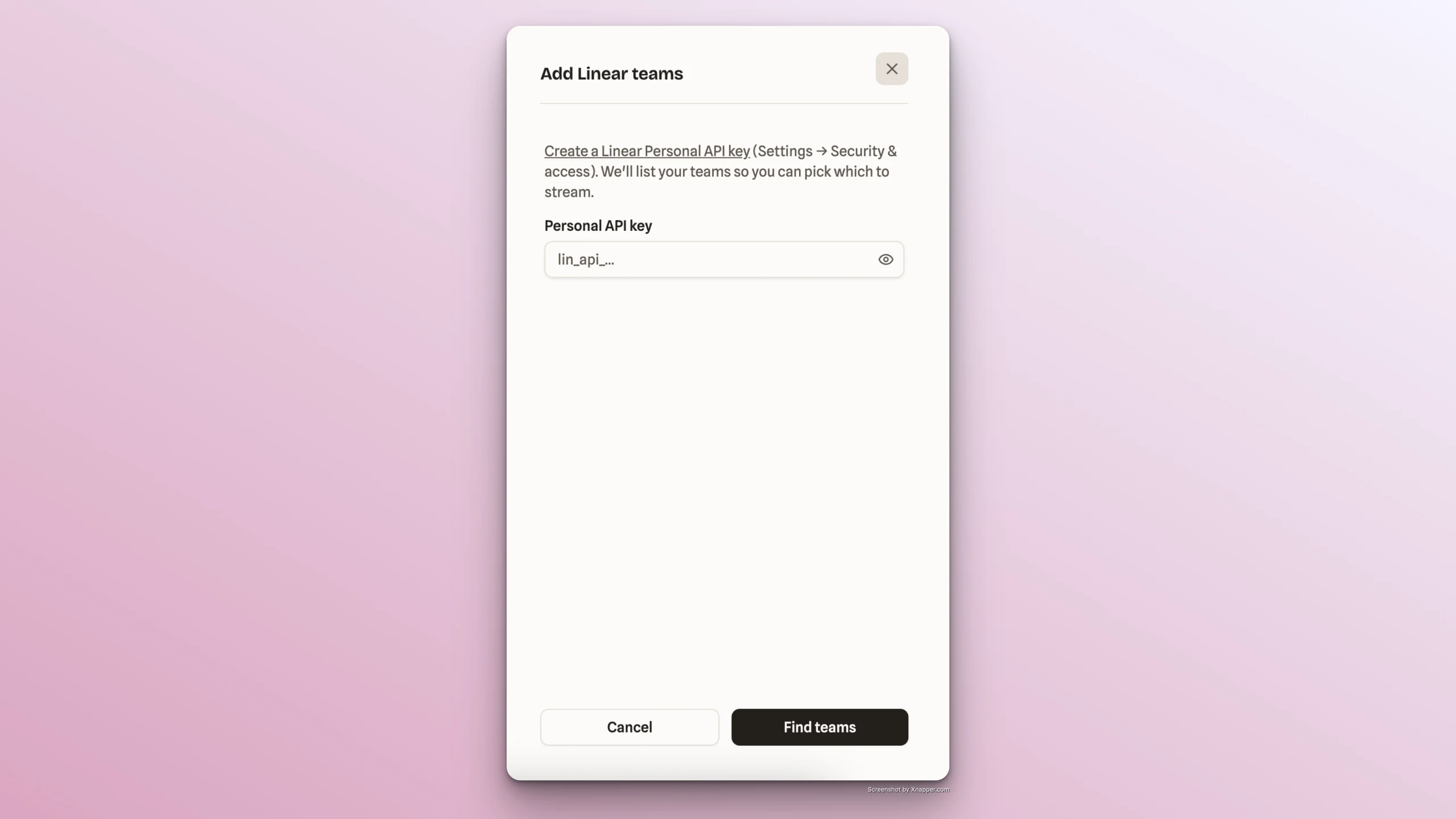
- Go back to Pulse app -> Feed tab -> Sources section -> Add button -> select Add Linear Teams
- Paste the copied API key into Personal API Key field in Pulse
- Click Find Teams -> Select the project team to stream
- Click Add
- Find the Linear account connected in Sources section of Feed tab