
Can't find Slack channel to connect to Pulse
The Pulse bot only sees channels it's been invited to. To fix this, invite it directly:
-
Open the channel in Slack
-
Go to Edit settings → Agents & Apps
-
Click Add App and select Pulse
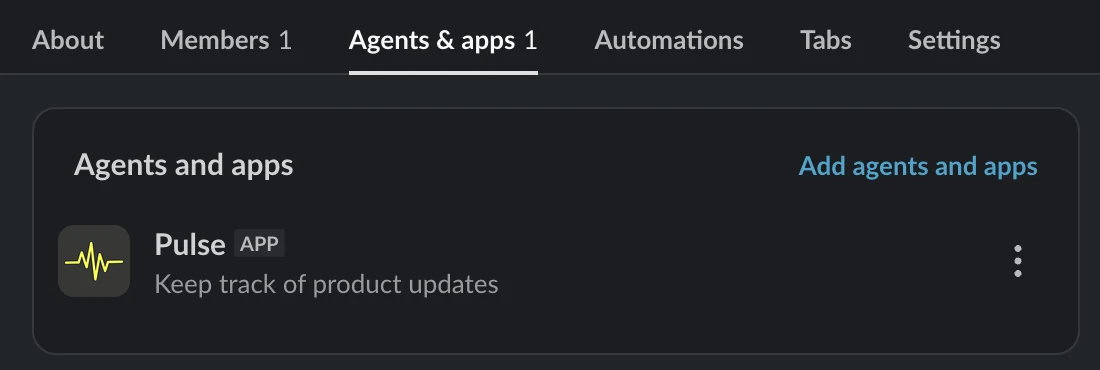
Once added, the channel will show up in the list.